Fashion ecommerce product photography shot list · 9 min read
Fashion Ecommerce Product Photography Shot List: 7 Image Jobs Every SKU Should Cover
A practical fashion ecommerce product photography shot list covering PDP views, product details, channel crops, quality control and delivery rules.
By Surajnarayanan SUpdated
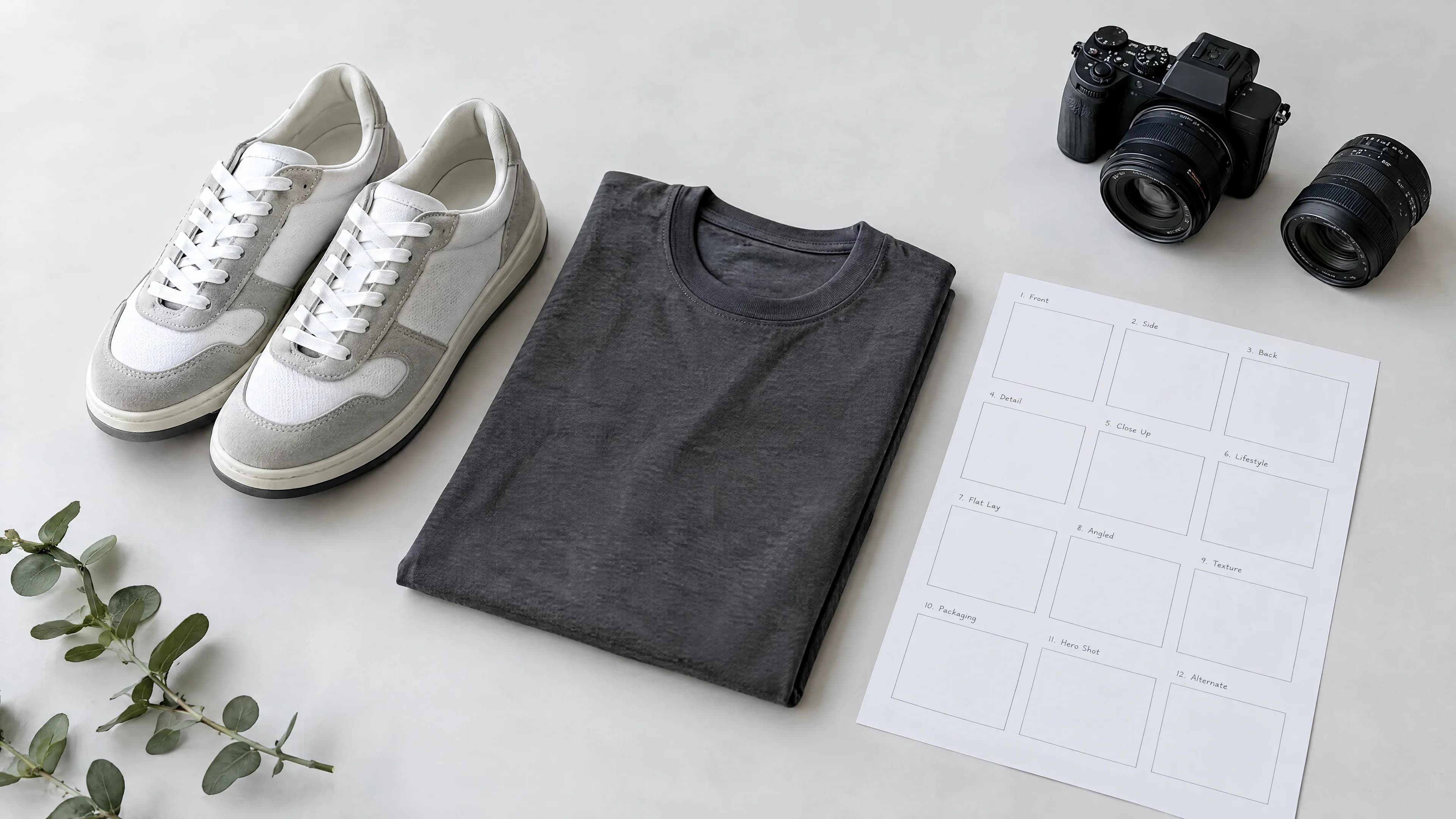
Direct answer
A fashion ecommerce product photography shot list should cover seven image jobs: a clear hero, front view, back view, side or three-quarter view, construction or material details, fit or scale context, and any channel-specific crop or lifestyle frame. That does not mean every SKU needs exactly seven files. Start with the buyer questions the image set must answer, then add or remove views by category, variant and sales channel. Lock the list before production so missing angles, inconsistent crops and avoidable reshoots are found early.
Best for
- +Fashion ecommerce teams preparing recurring PDP image batches
- +Brand, studio and catalogue teams aligning production, merchandising and review
- +Teams combining physical photography, AI-assisted production or a hybrid route
Not designed for
- -A universal rule that every category needs the same number of images
- -Campaign art direction without a product-page delivery requirement
- -Teams without accurate product inputs, variant data or an approval owner
Build the shot list around buyer questions
A useful shot list is not a list of fashionable angles. It is a product-information plan. Each frame should answer a question the hero cannot answer: what is the exact variant, how is the garment constructed, what does the back look like, how does it sit on a body, and which detail could change a purchase decision?
Begin with the product record and destination channels. For every SKU family, record the required image job, view or crop, product details that cannot change, background and styling rule, file name, delivery format and reviewer. This creates a stable definition of done before anyone shoots, generates or retouches an image.
The seven image jobs to consider for every fashion SKU
Treat these as seven jobs, not seven mandatory files. A front-facing hero can sometimes perform two jobs. A technical garment may need several detail frames. Footwear may need outsole and profile views, while a simple accessory may need fewer on-model images and more scale information.
| Image job | What it should establish | Typical review question |
|---|---|---|
| 1. Main hero | The exact product and sellable variant | Is the product immediately clear and accurately represented? |
| 2. Front view | Silhouette, length, closure and front construction | Can the shopper understand the complete front of the item? |
| 3. Back view | Rear construction, fit and details hidden from the front | Does the back resolve information the hero cannot show? |
| 4. Side or three-quarter | Depth, shape and how major elements connect | Does this angle add product information rather than repeat the hero? |
| 5. Detail view | Fabric, texture, trim, branding, stitching or finish | Are the details sharp, faithful and attached to the correct variant? |
| 6. Fit or scale context | How the product sits on a body or relates to scale | Does the context clarify fit without obscuring the product? |
| 7. Channel or lifestyle frame | A named crop, context or secondary merchandising job | Is this frame required by a channel or useful to a real buying decision? |
Adapt the list by fashion category
Do not copy one master list across every category. Keep a shared catalogue standard, then add category rules where product behaviour and buyer questions differ. The result should still look like one visual system even when the required views change.
| Category | Useful additions | Common information gap |
|---|---|---|
| Tops and outerwear | Open and closed states, cuff, collar, lining or fastening detail | Back construction or closure is missing |
| Trousers and skirts | Waistband, side profile, pocket and hem detail | Rise, length or silhouette is unclear |
| Dresses | Front, back, side, movement and fabric-detail views | Drape and back design are under-explained |
| Footwear | Pair, profile, heel, outsole, top and on-foot context | Sole, fastening or material finish is hidden |
| Bags and accessories | Interior, closure, hardware, scale and strap configuration | Capacity or functional construction is unclear |
Separate the master product set from channel derivatives
The master set should preserve the strongest approved product information. Channel derivatives should be named outputs from that source: marketplace square crops, retailer-specific aspect ratios, mobile PDP crops, thumbnails, paid-social variants or regional files. Do not treat each derivative as an unrelated production job if one governed master can supply it safely. Background, aspect, and on-model versus packshot rules for those exports are fashion ecommerce image guidelines by channel. This page stays on image jobs.
Google Merchant Center requires a main image and supports additional product images. Its guidance asks sellers to show the correct variant, keep the product clear and use additional views for information that does not fit the main image. Google also notes that images can be automatically cropped, so important product information should not depend on a fragile edge composition.
- Name the channel and purpose for every derivative.
- Record aspect ratio, dimensions, background, crop and file format.
- Keep stable image URLs for live commerce feeds unless the image itself changes.
- Map every output back to the correct SKU and variant.
Add product-truth and AI provenance rules before production
Whether the route is physical, AI-assisted or hybrid, the shot list should identify product details that cannot drift: colour, print placement, branding, trim, closure, texture, proportions and variant identity. Mark the views that require a real reference. If the back of a garment is not visible in any approved input, a generated back view is an invention risk, not a routine deliverable.
For generative-AI product images used in Google Shopping data, retain the required IPTC DigitalSourceType TrainedAlgorithmicMedia metadata. Include provenance and metadata checks in the delivery specification so a later export or compression step does not silently remove them.
Turn the shot list into a review checklist
The shot list and QC checklist should refer to the same image jobs. That connection prevents a common failure: production creates the requested files, but review checks only whether each image looks attractive. Ecommerce review must also confirm completeness, product fidelity and delivery readiness.
| Gate | Check | Exception action |
|---|---|---|
| Completeness | Every required image job and derivative exists | Hold the SKU and identify the missing source or view |
| Product truth | Variant, colour, construction and details match approved inputs | Correct, replace or reject the affected frame |
| Set continuity | Scale, styling, crop, lighting and model treatment work as one family | Review the set together rather than repairing isolated symptoms |
| Channel readiness | Names, formats, crops, metadata and folder structure match the destination | Repackage before handoff |
| Approval | A named reviewer records the final decision | Do not deliver an ambiguous or partially approved set |
Use a representative pilot before scaling the list
Test the shot list on a small but representative group of products, including normal difficult cases: reflective trims, complex prints, dark materials, layered garments, unusual closures or incomplete source packs. Measure missing views, corrections, held inputs, review time and channel-preparation work.
Change the list when the pilot exposes a repeated information gap. Do not add frames simply because another retailer uses them. Every additional image increases production, review, storage and maintenance work, so it should earn its place by resolving a buyer, channel or operational requirement.
When a traditional shoot is still the better route
Traditional production remains preferable when the team must discover how a new product behaves on set, capture complex physical interaction, verify difficult materials or create views for which no reliable source information exists. AI production can extend or standardise a defined product record; it should not be used to conceal missing product truth.
A hybrid route is often practical: capture the product information that must be physically resolved, then use a controlled AI-human system for approved extensions, variants or recurring channel delivery. The shot list should state which method owns each image job.
Frequently asked questions
How many product photos should a fashion ecommerce SKU have?
There is no universal number. Start with the image jobs needed to explain the product: hero, front, back, side or three-quarter, important details, fit or scale, and required channel derivatives. Some frames can perform more than one job, while complex products may need extra detail views.
What should be included in a fashion product photography shot list?
For each SKU, include the image job, angle or crop, product details that cannot change, background and styling rule, destination channel, dimensions, file name, source requirement and approval owner.
Should every colour variant have its own product images?
Visually different variants should use images that accurately show the correct colour, pattern and material. A shared image may be appropriate only when variants are visually identical, such as size-only variants of the same product.
Can AI create missing ecommerce product views?
Only when approved source information supports the view and the result can be checked against product truth. If a construction detail or rear view is absent from every reliable input, generating it creates an invention risk and a physical capture may be required.
How should teams review a complete fashion image set?
Review the set for completeness, product fidelity, continuity, channel readiness and recorded approval. Exceptions should be corrected, held or rejected through a defined path before delivery.
Evidence and sources
- Commerce images must accurately display the product and meet channel image requirements. Verified 2026-08-05.
- Google Merchant Center supports one main product image and up to 10 additional product images. Verified 2026-08-13.
- Google requires generative-AI product images used in Shopping data to retain the IPTC DigitalSourceType TrainedAlgorithmicMedia metadata tag. Verified 2026-08-13.
- Google Merchant Center image requirements - Primary guidance on main images, variants, product visibility, additional views, image quality and stable URLs.
- Google best practices for clothing and accessories - Primary apparel guidance covering product focus, on-model imagery and additional views.
- Google free listings product data specification - Primary specification noting support for up to 10 additional product images.
- Google Merchant Center product data specification update - Primary guidance for generative-AI image provenance metadata in Shopping data.